

 About Us
How It Works
- Trivy integration: Prowler leverages Trivy to scan container images for vulnerabilities, secrets, misconfigurations, and license issues.
- Authentication: No registry authentication is required for public images. For private registries, credentials can be provided via environment variables or manual
docker login.- Check the Image Authentication page for more details.
- Mutelist logic: Filtering is handled by Trivy, not Prowler.
- Output formats: Results are output in the same formats as other Prowler providers (CSV, JSON, HTML, etc.).
Prowler Cloud
Scan container images using Prowler Cloud
Prowler CLI
Scan container images using Prowler CLI
Prowler Cloud
Supported Scanners
Prowler Cloud does not support scanner selection. The vulnerability, secret, and misconfiguration scanners run automatically during each scan.Step 1: Access Prowler Cloud
- Navigate to Prowler Cloud or launch Prowler App
-
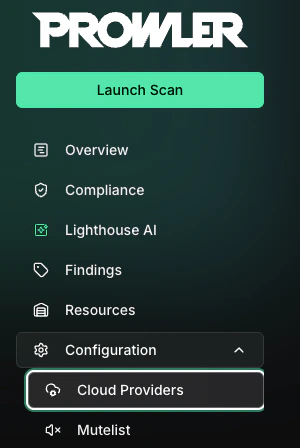
Navigate to “Configuration” > “Cloud Providers”
-
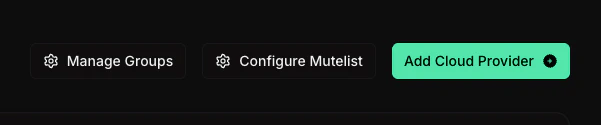
Click “Add Cloud Provider”
-
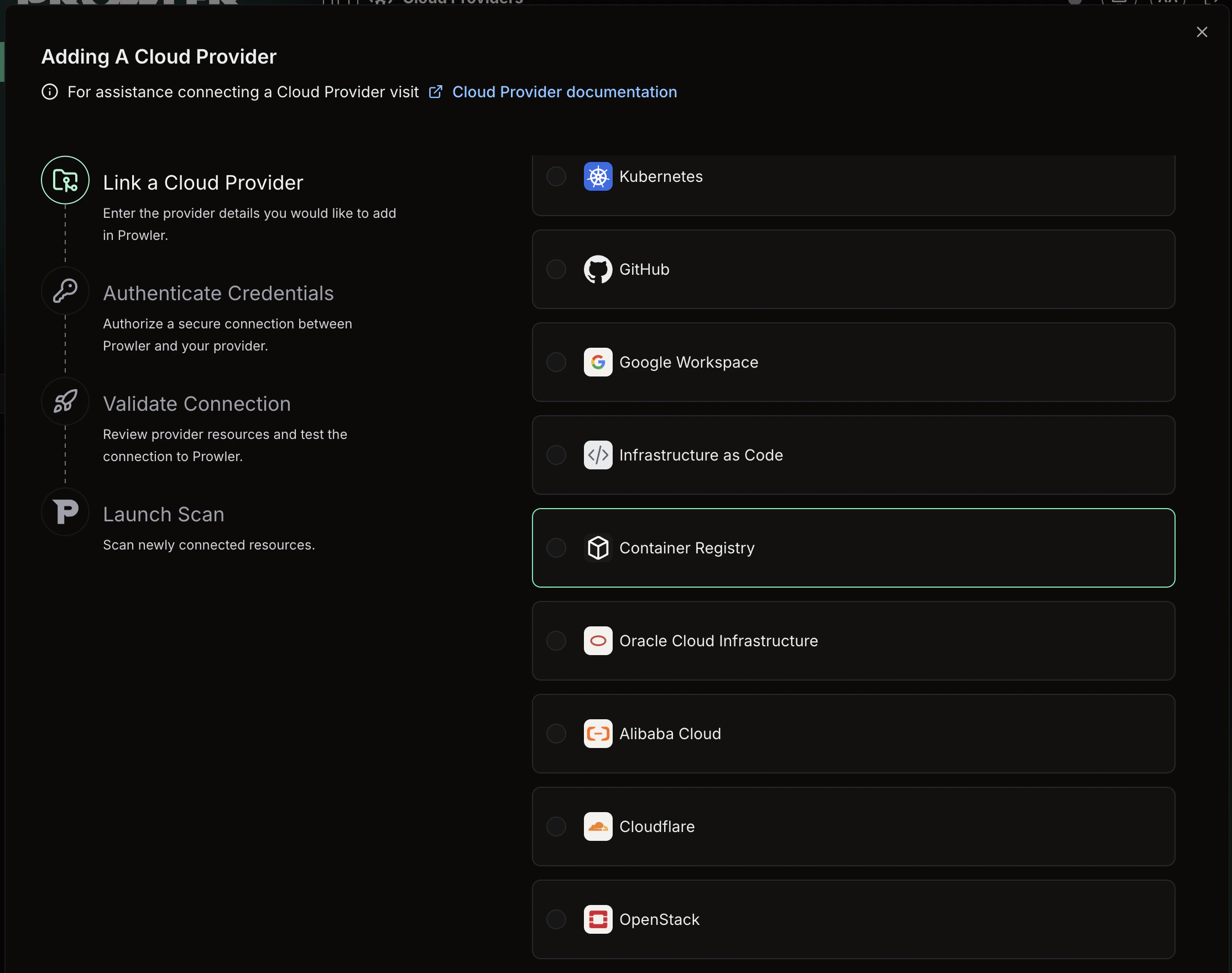
Select “Container Registry”
-
Enter the container registry URL (e.g.,
docker.io/myorgormyregistry.io) and an optional alias, then click “Next”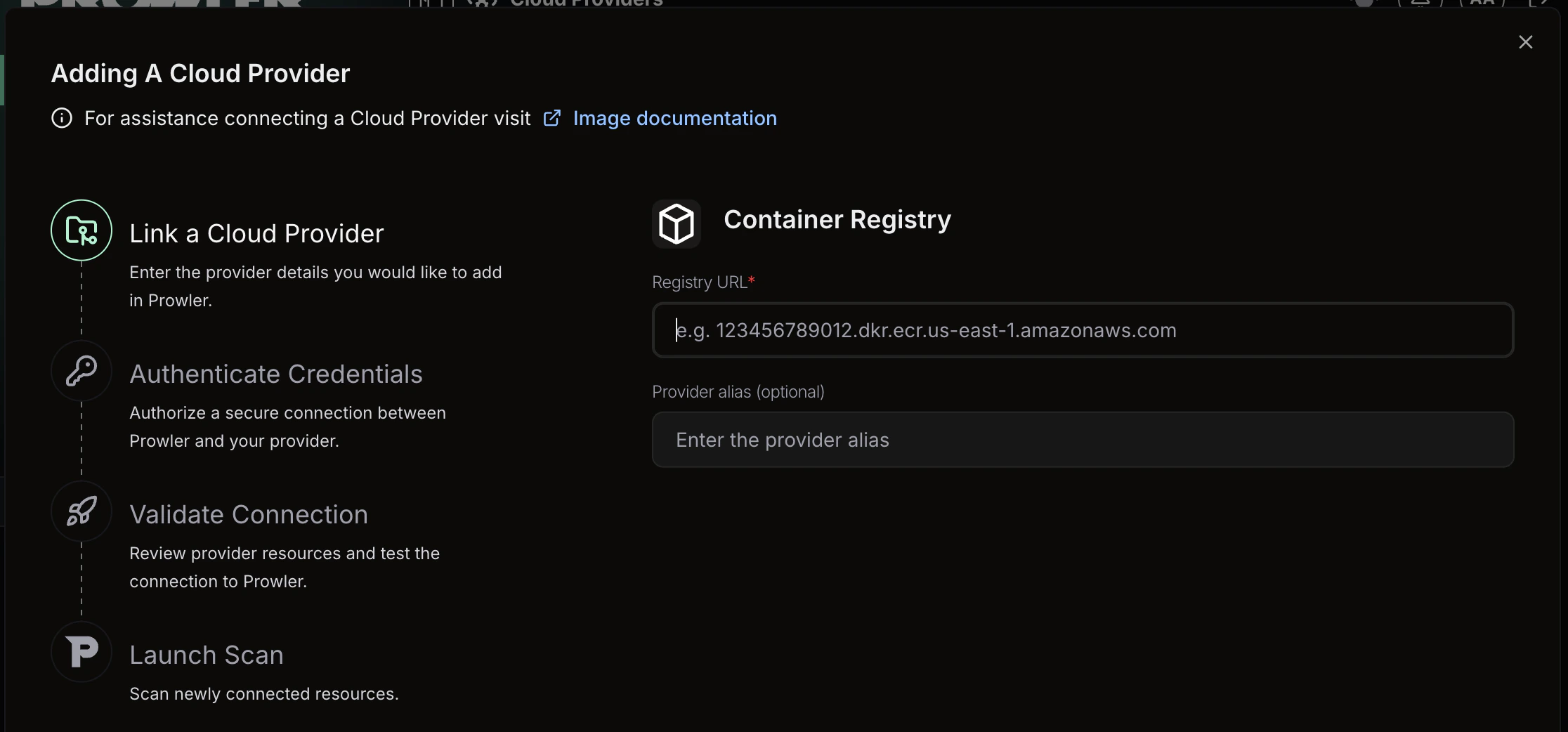
Step 2: Enter Authentication and Scan Filters
-
Optionally provide authentication credentials for private registries, then configure the following scan filters to control which images are scanned:
- Image filter: A regex pattern to filter repositories by name (e.g.,
^prod/.*) - Tag filter: A regex pattern to filter tags within repositories (e.g.,
^(latest|v\d+\.\d+\.\d+)$)
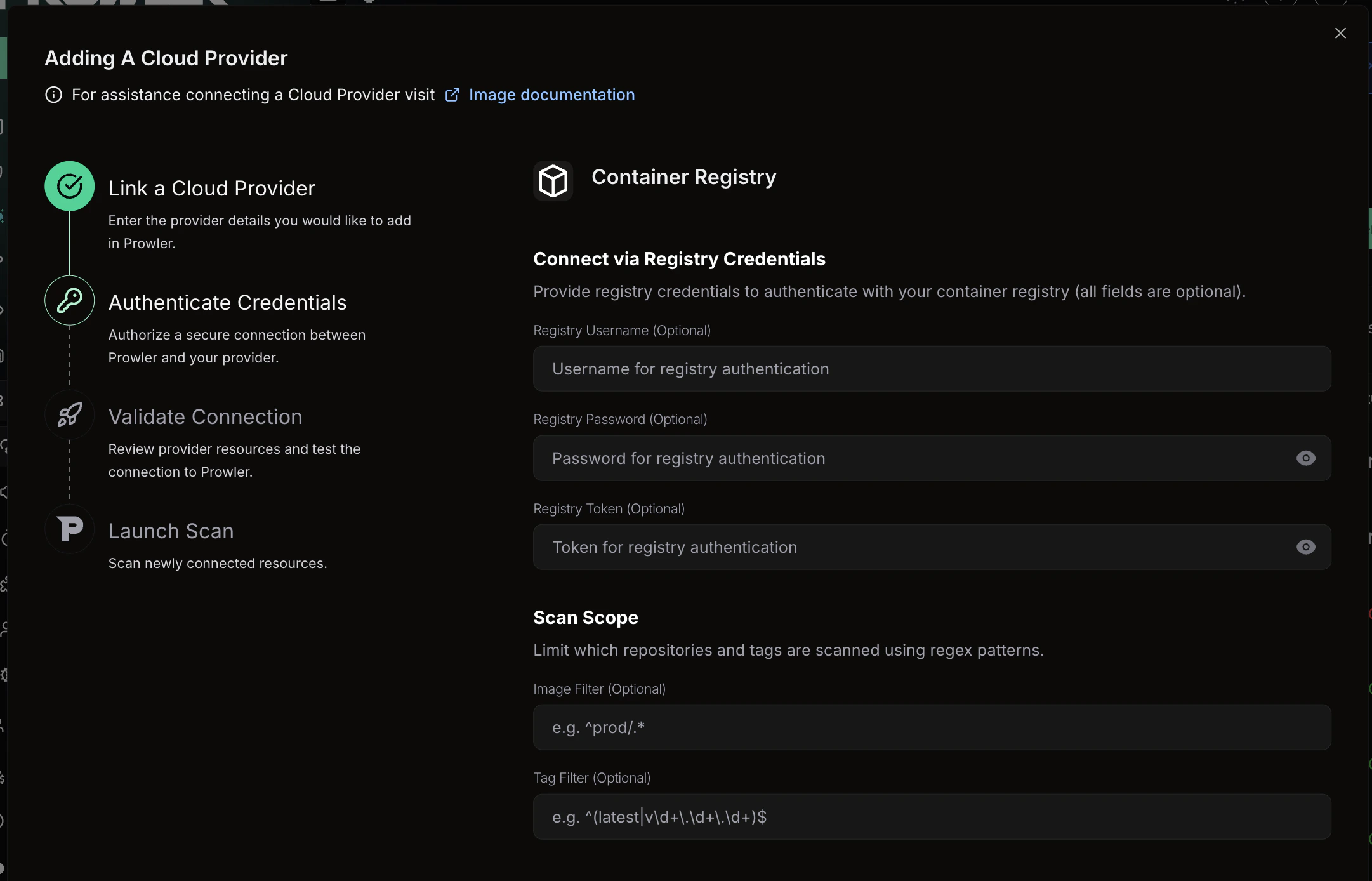
- Image filter: A regex pattern to filter repositories by name (e.g.,
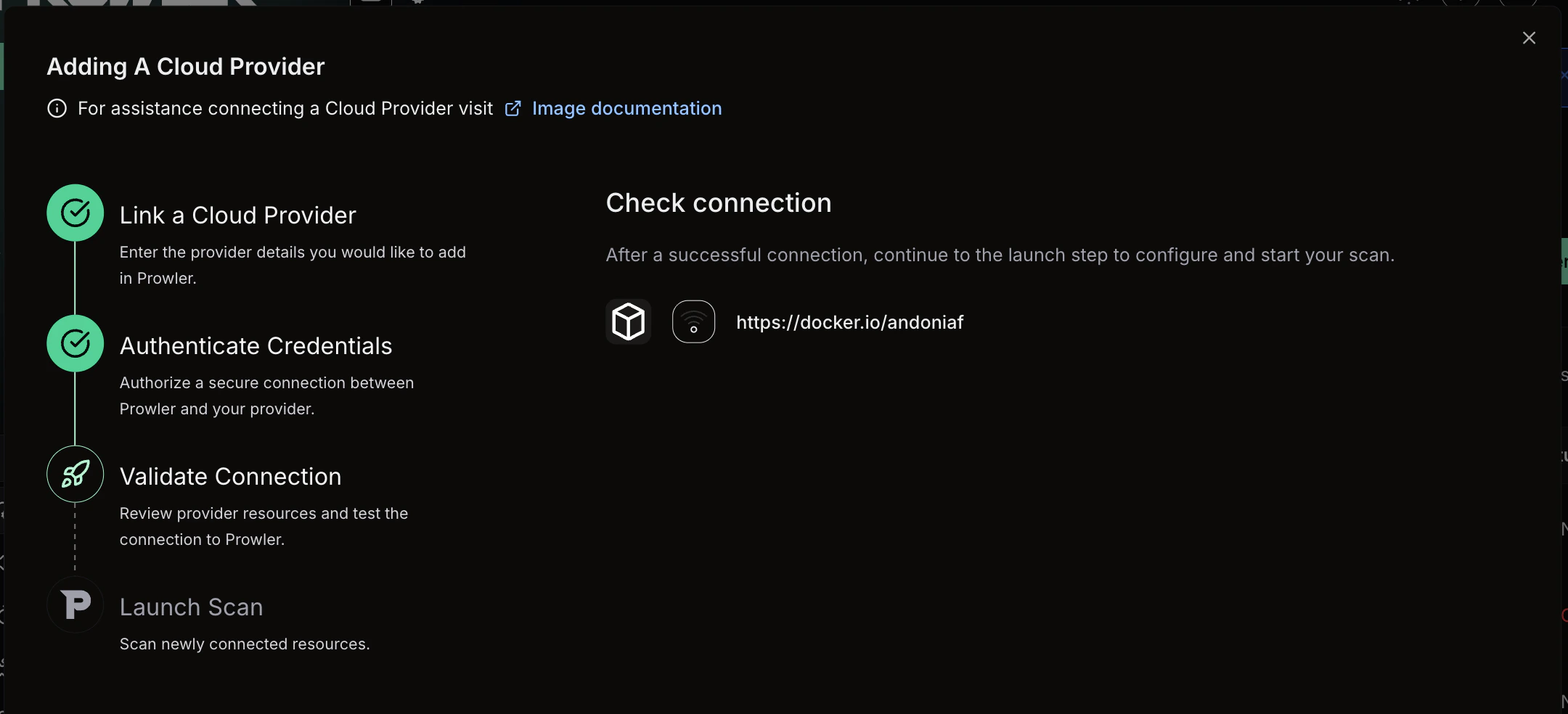
Step 3: Verify Connection & Start Scan
-
Review the provider configuration and click “Launch scan” to initiate the scan
Prowler CLI
Install Trivy
Install Trivy using one of the following methods:- Homebrew
- apt (Debian/Ubuntu)
- Install Script
Supported Scanners
Prowler CLI supports the following scanners: By default, vulnerability, secret, and misconfiguration scanners run during a scan. To specify which scanners to use, refer to the Specify Scanners section below.Scan Container Images
Use theimage argument to run Prowler with the Image provider. Specify the images to scan using the -I flag or an image list file.
Scan a Single Image
To scan a single container image:Scan Multiple Images
To scan multiple images, repeat the-I flag:
Scan From an Image List File
For large-scale scanning, provide a file containing one image per line:#) and blank lines:
Image list files are limited to a maximum of 10,000 lines. Individual image names exceeding 500 characters are automatically skipped with a warning.
- Standard tag:
alpine:3.18 - Custom registry:
myregistry.io/myapp:v1.0 - SHA digest:
ghcr.io/org/image@sha256:abc123...
Specify Scanners
To select which scanners Trivy runs, use the--scanners option:
Image Config Scanners
To scan Dockerfile-level metadata for misconfigurations or embedded secrets, use the--image-config-scanners option:
- misconfig: Detects Dockerfile misconfigurations (e.g., running as root, missing health checks)
- secret: Identifies secrets embedded in Dockerfile instructions
Image config scanners are disabled by default. This option is independent from
--scanners and specifically targets the image configuration (Dockerfile) rather than the image filesystem.Filter by Severity
To filter findings by severity level, use the--trivy-severity option:
CRITICAL, HIGH, MEDIUM, LOW, UNKNOWN.
Ignore Unfixed Vulnerabilities
To exclude vulnerabilities without available fixes:Configure Scan Timeout
To adjust the scan timeout for large images or slow network conditions, use the--timeout option:
s), minutes (m), or hours (h). Default: 5m.
Registry Scan Mode
Registry Scan Mode enumerates and scans all images from an OCI-compatible registry, Docker Hub namespace, or Amazon ECR registry. To activate it, use the--registry flag with the registry URL:
Discover Available Images
To list all repositories and tags available in the registry without running a scan, use the--registry-list flag. This is useful for discovering image names and tags before building filter regexes:
--registry-list to preview the results before scanning:
Filter Repositories
To filter repositories by name during enumeration, use the--image-filter flag with a Python regex pattern (matched via re.search):
Filter Tags
To filter tags during enumeration, use the--tag-filter flag with a Python regex pattern:
Limit the Number of Images
To prevent accidentally scanning a large number of images, use the--max-images flag. The scan aborts if the discovered image count exceeds the limit:
--max-images to 0 (default) disables the limit.
When
--registry-list is active, the --max-images limit is not enforced because no scan is performed.Skip TLS Verification
To connect to registries with self-signed certificates, use the--registry-insecure flag:
Supported Registries
Registry Scan Mode supports the following registry types:- OCI-compatible registries: Any registry implementing the OCI Distribution Specification (e.g., Harbor, GitLab Container Registry, GitHub Container Registry).
- Docker Hub: Specify a namespace with
--registry docker.io/{org_or_user}. Public namespaces can be scanned without credentials; authenticated access is used automatically whenREGISTRY_USERNAMEandREGISTRY_PASSWORDare set. - Amazon ECR: Use the full ECR endpoint URL (e.g.,
123456789.dkr.ecr.us-east-1.amazonaws.com). Authentication is handled via AWS credentials.
Authentication for Private Registries
To scan images from private registries, the Image provider supports three authentication methods. Prowler uses the first available method in this priority order:1. Basic Authentication (Environment Variables)
To authenticate with a username and password, set theREGISTRY_USERNAME and REGISTRY_PASSWORD environment variables. Prowler passes these credentials to Trivy, which handles authentication with the registry transparently:
2. Token-Based Authentication
To authenticate using a registry token (such as a bearer or OAuth2 token), set theREGISTRY_TOKEN environment variable. Prowler passes the token directly to Trivy:
3. Manual Docker Login (Fallback)
If no environment variables are set, Prowler relies on existing credentials in Docker’s credential store (~/.docker/config.json). To configure credentials manually before scanning:
Credentials provided via environment variables are only passed to the Trivy subprocess and are not persisted beyond the scan.
Troubleshooting Common Scan Errors
The Image provider categorizes common Trivy errors with actionable guidance:- Authentication failure (401/403): Registry credentials are missing or invalid. Verify the
REGISTRY_USERNAME/REGISTRY_PASSWORDorREGISTRY_TOKENenvironment variables, or rundocker loginfor the target registry and retry the scan. - Image not found (404): The specified image name, tag, or registry is incorrect. Verify the image reference exists and is accessible.
- Rate limited (429): The container registry is throttling requests. Wait before retrying, or authenticate to increase rate limits.
- Network issue: Trivy cannot reach the registry due to connectivity problems. Check network access, DNS resolution, and firewall rules.